Poker Hand Tracking Features for Live Players
Every feature is designed for speed and accuracy at the table. No wasted taps, no clutter — just the tools you need to track, analyze, and improve.
30-Second Hand Entry
Record full poker hands street by street during live play. The interface follows natural poker flow: select your position, enter hole cards, then tap through preflop, flop, turn, and river actions.
- Position-aware action ordering (no manual player selection)
- Quick bet presets for common raise sizes
- All-in detection with automatic side pot calculation
- Auto-save on every action (never lose a hand to a crash)
- Custom bet presets you can configure to match your game
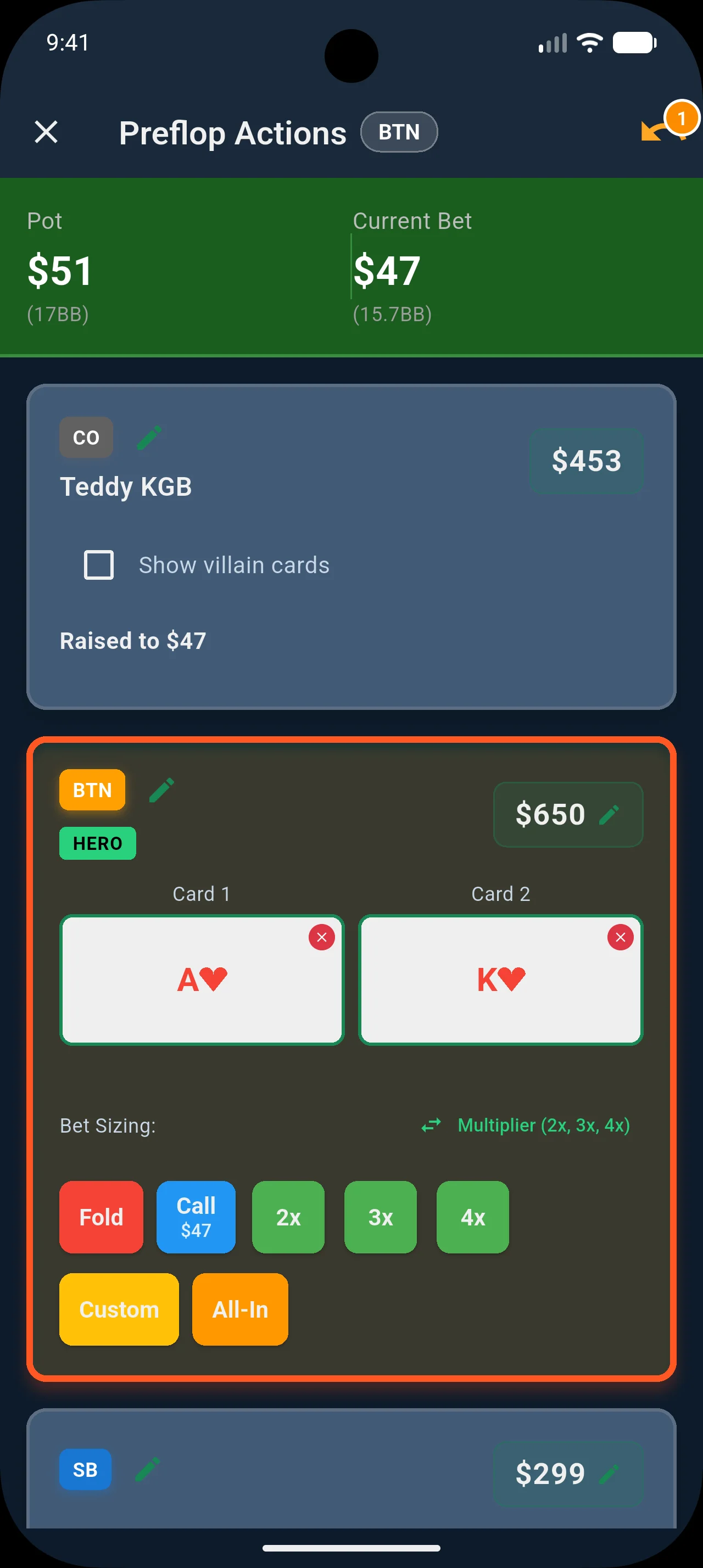
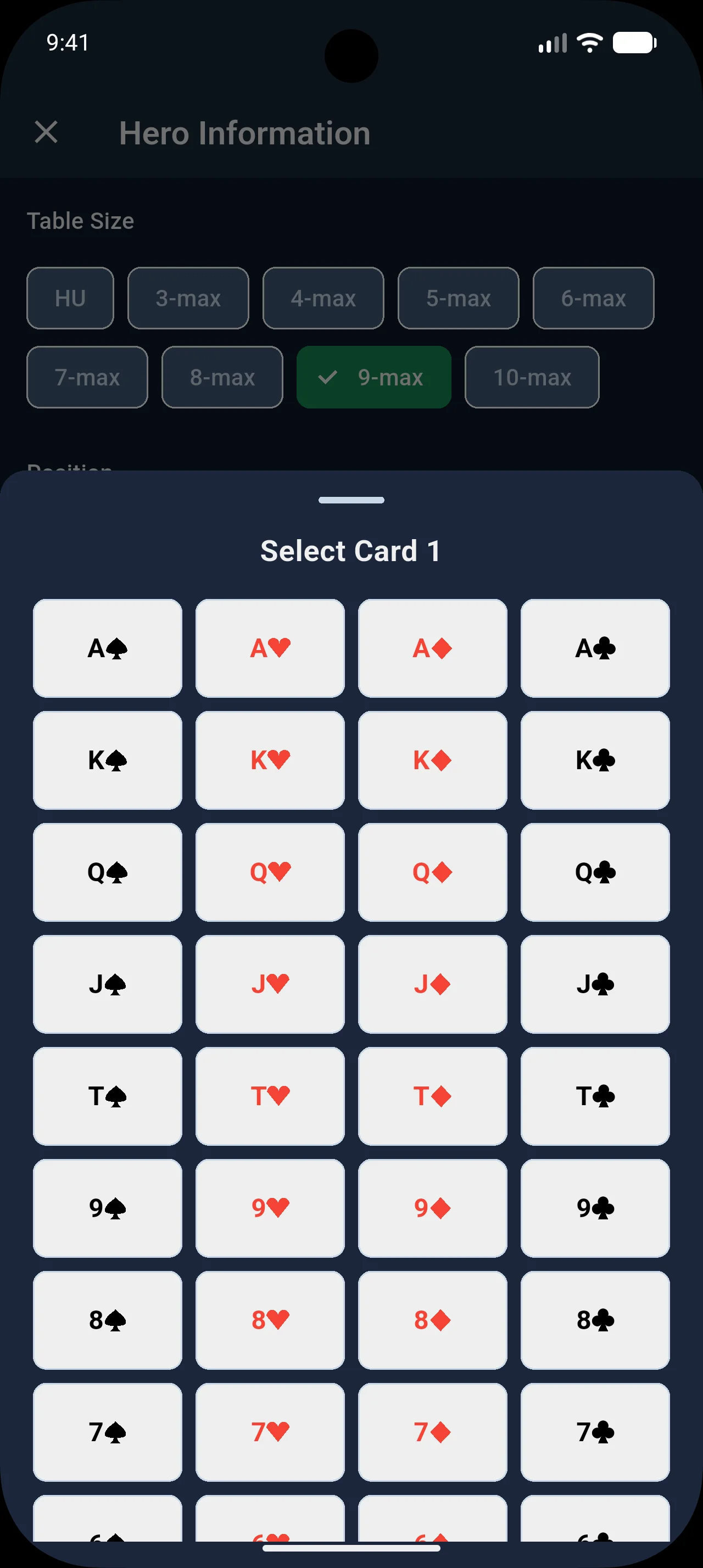
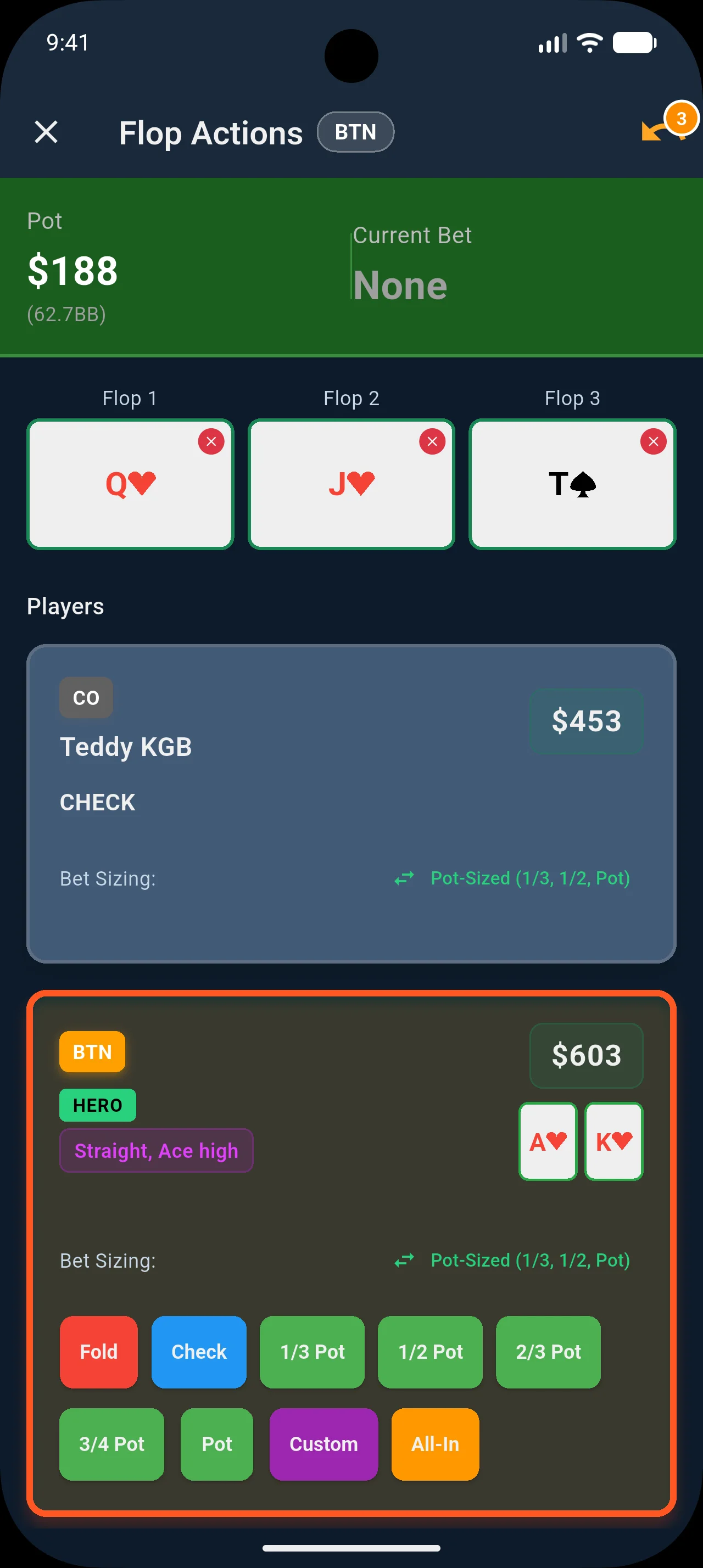
Table View — See the Felt, Not a List
Switch to the table layout and every seat snaps into place exactly as it sits at the felt — hero at the bottom, opponents around the rail, pot and board in the center. Record hands and replay them the way you actually think about poker.
- Real poker table layout: hero at the bottom, opponents around the rail
- Stack size, bet chip, and action badge visible on each seat at a glance
- Community board cards flip in as the street progresses
- Dealer button sits on the correct seat — no guessing who’s in position
- Active player highlighted with a pulse glow during hand replay
- Toggle between table and list view any time from Display Preferences


Quick Hand Entry: Actions Only
Turn on Action Only Mode and skip hole card input entirely. Just tap positions, stack sizes, and actions — record a full hand in under 15 seconds. Perfect for fast-paced games where you don't want to look away from the table.
- Toggle in Settings — one switch enables speed mode
- Skip hero and villain card selection completely
- Record stacks, positions, and every action street by street
- Hands save with full action history — add cards later if you want
- Analytics still track your win rate, position stats, and opponent reads
Review & Refine Your Hands
Quick entries aren't throwaway data. After your session, open any hand and fill in the details: assign known players to villain seats, update stack sizes, add hole cards you remember, and attach notes. Your analytics update instantly.
- Assign players from your database to any villain position
- Add or update hero and villain hole cards after the fact
- Adjust starting stacks for any seat
- Add notes and result details to any hand
- Opponent profiles and equity calculations populate automatically once cards are added
Cash Game & Tournament Tracking
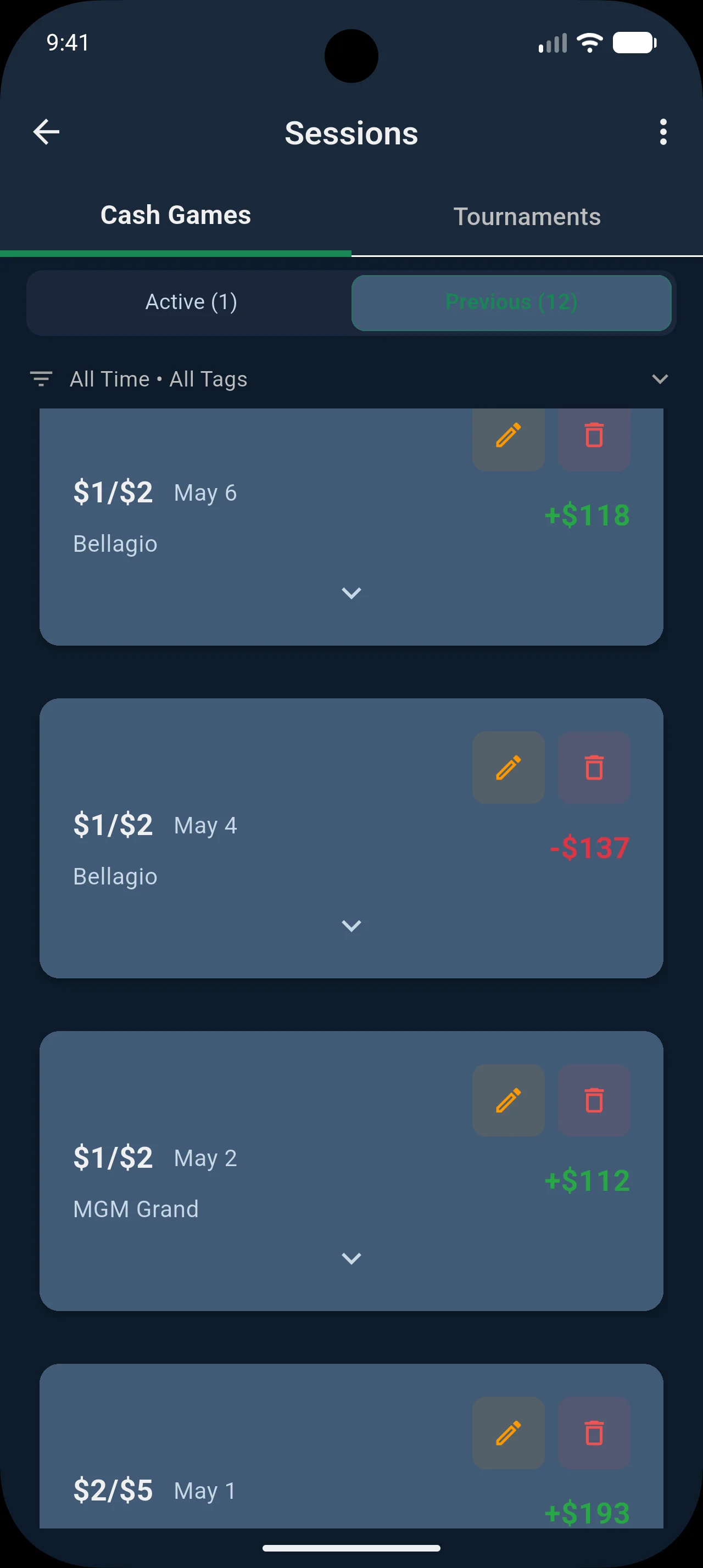
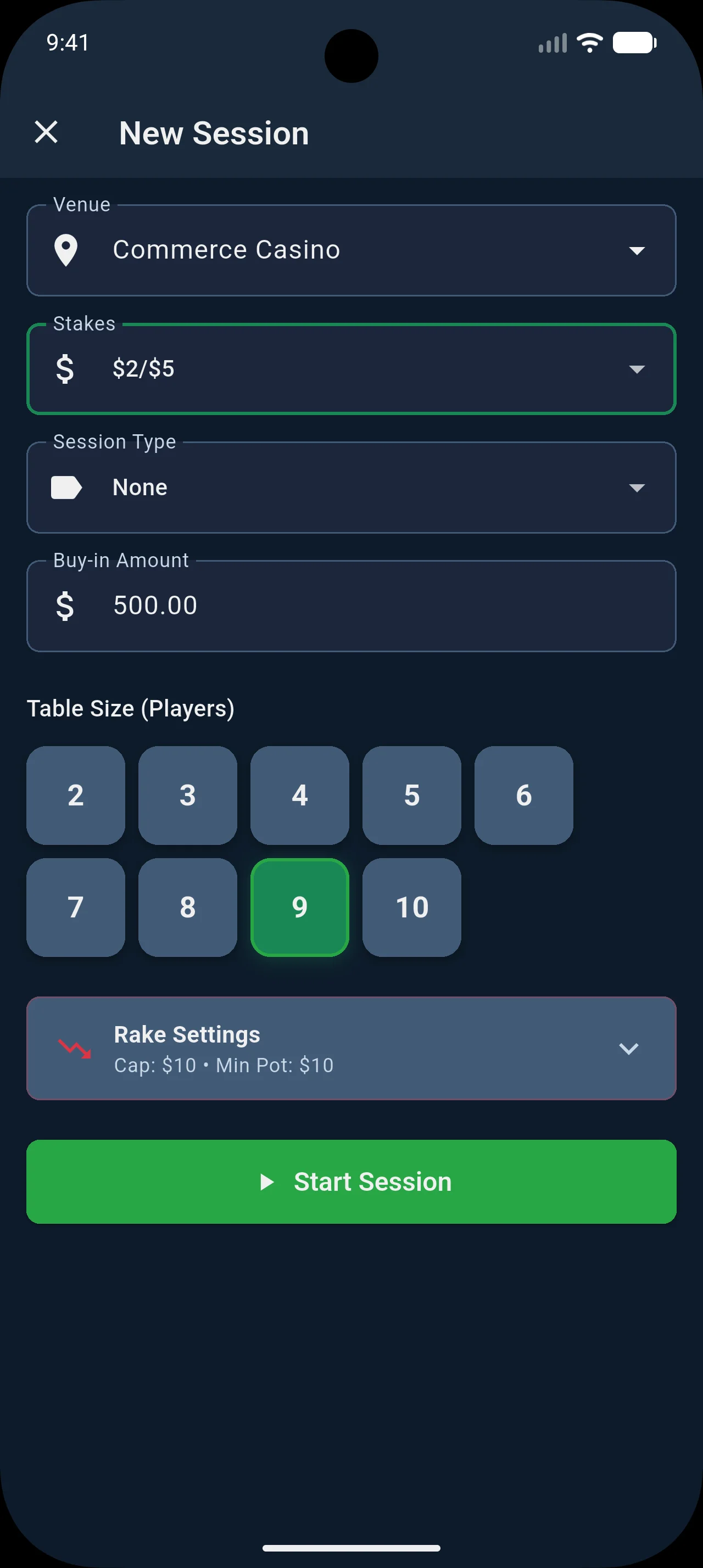
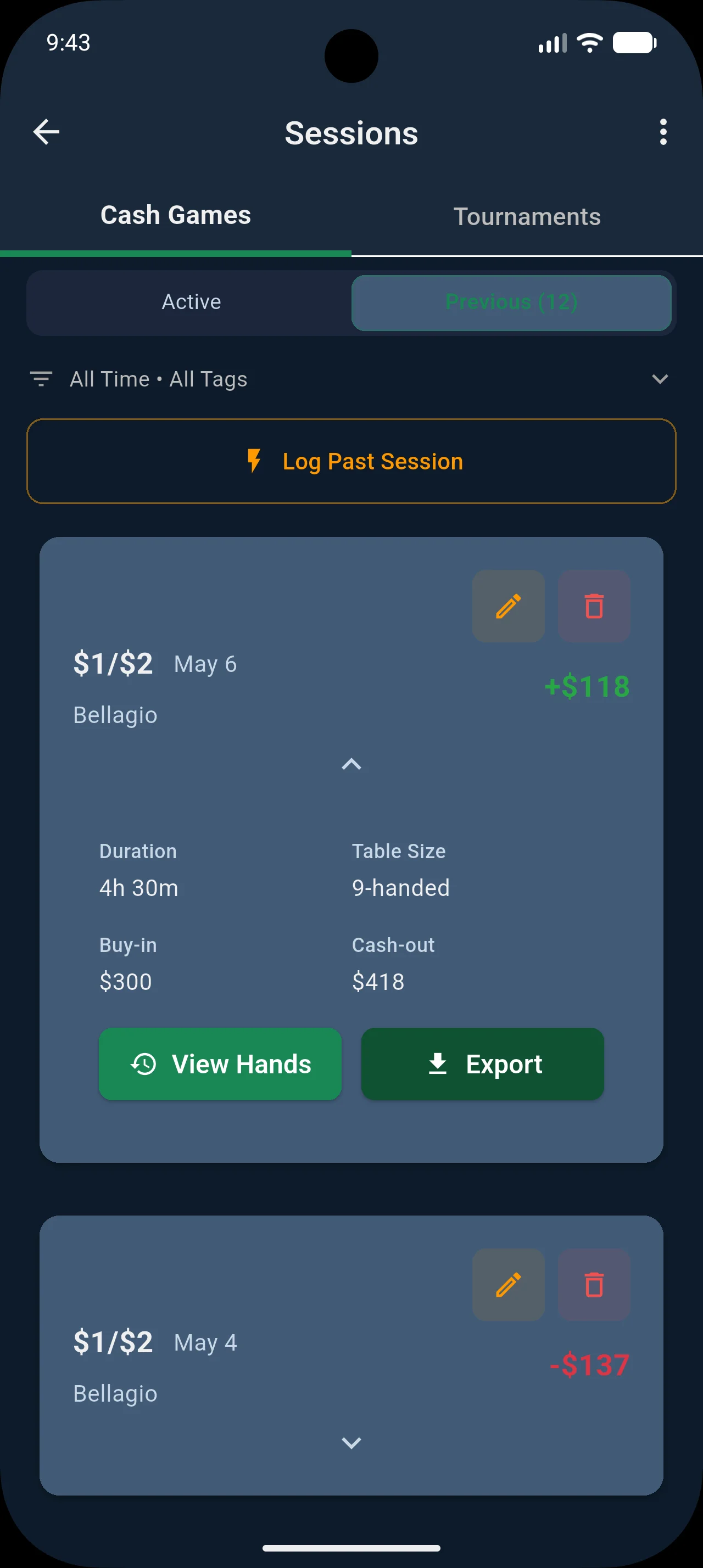
Log every session with buy-in, cash-out, duration, and table details. Track cash games and tournaments separately with dedicated analytics for each.
- Support for 2-10 player tables
- Customizable stakes and buy-in amounts
- Automatic duration tracking
- Session tagging for game types and locations
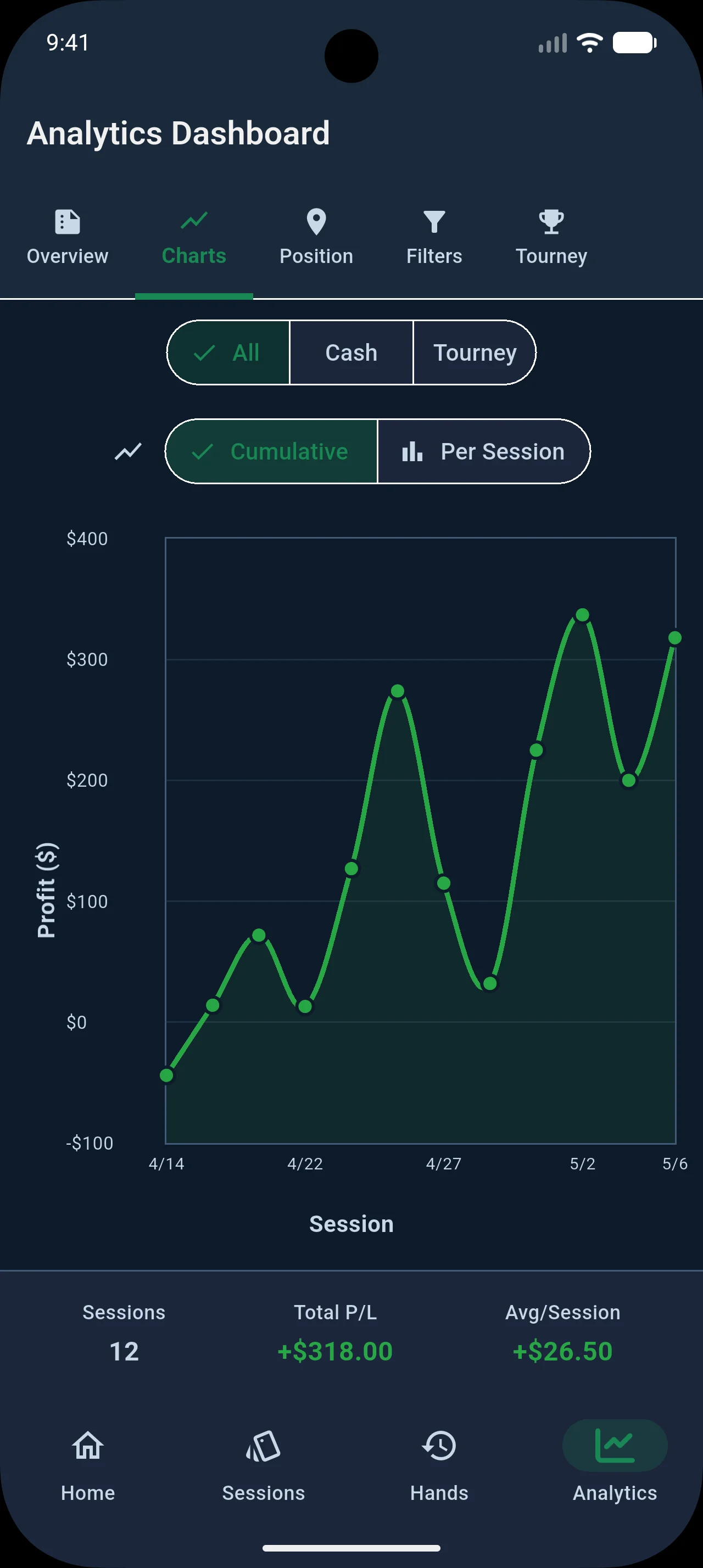
- Profit/loss tracking with running totals
Poker Analytics: Win Rate, BB/100 & Opponent Reads
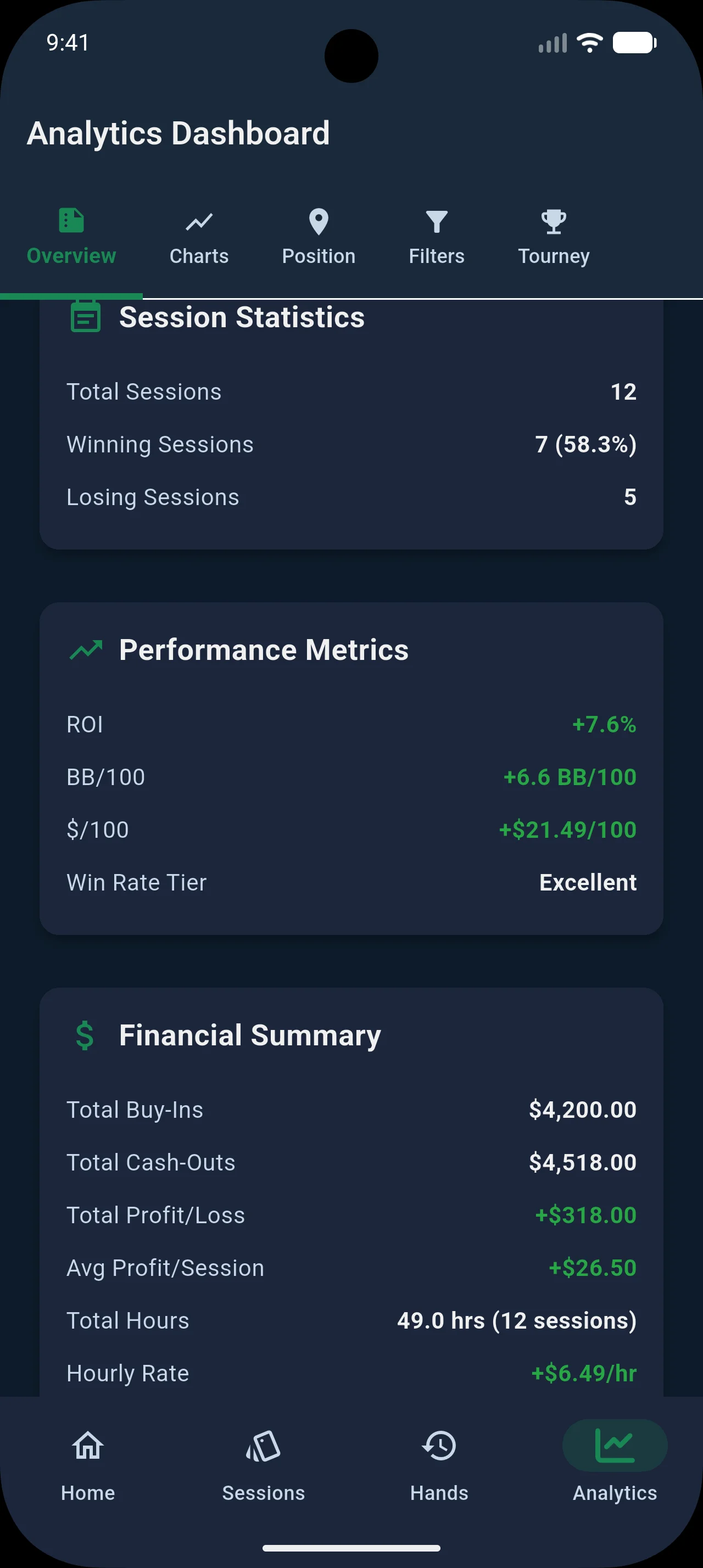
Bankroll Wizard calculates your results automatically from every recorded hand — no manual data entry. Your own game leads with the numbers that hold up for live play; the frequency stats (entry/raise rate, etc.) are where they belong — on the opponents you profile.
- BB/100 & ROI — Your win rate and return on investment
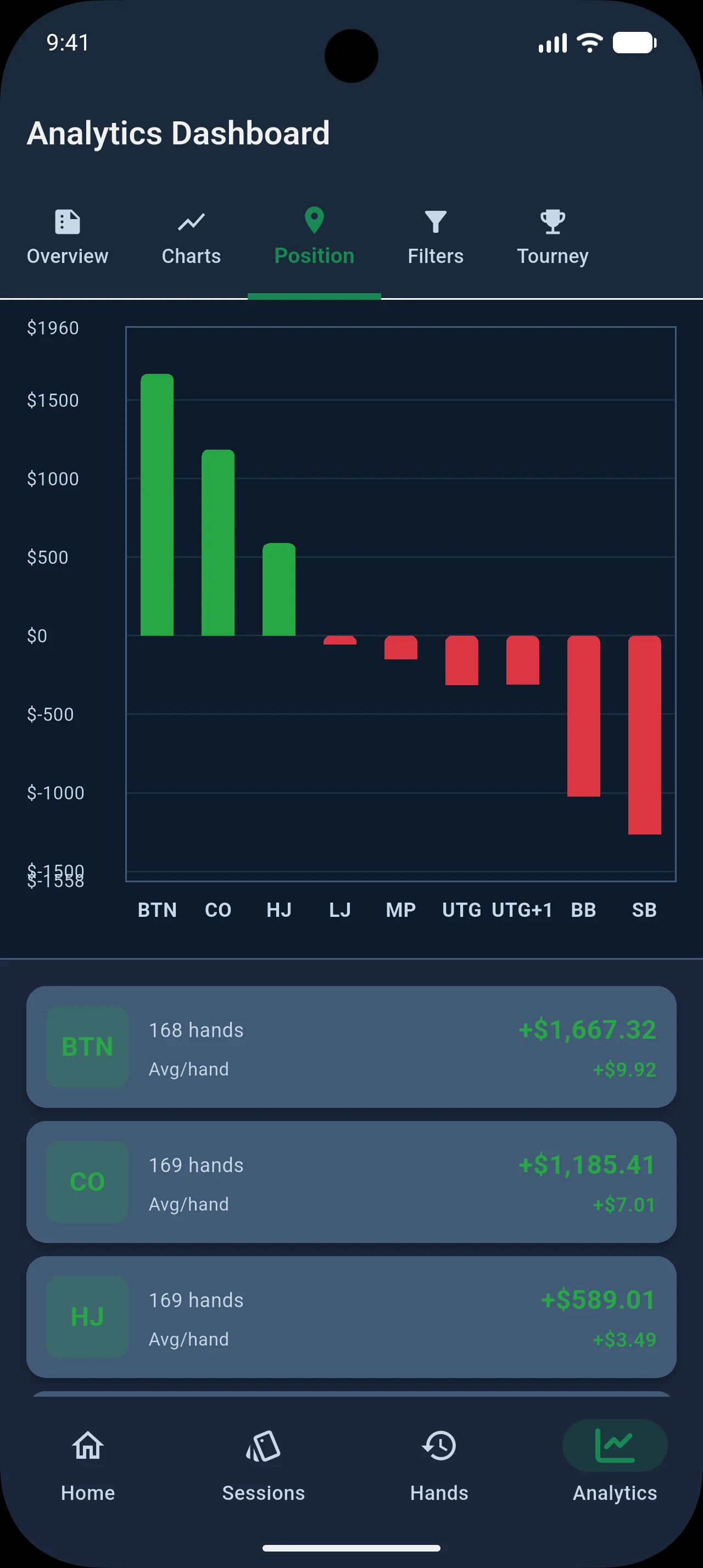
- Position Analysis — Your performance broken down by table position
- Hourly & Per-Venue — What you make, and which rooms are good to you
- Opponent entry / raise rate — Share of recorded pots entered & raised, for the regulars
- Opponent 3-Bet% — Three-bet frequency with position breakdown
- Opponent Aggression Factor — Street-by-street aggression (Flop/Turn/River)
- Bet-Sizing Tells — Their open, 3-bet, and post-flop sizing by street
Opponent Profiling & Exploit Tips
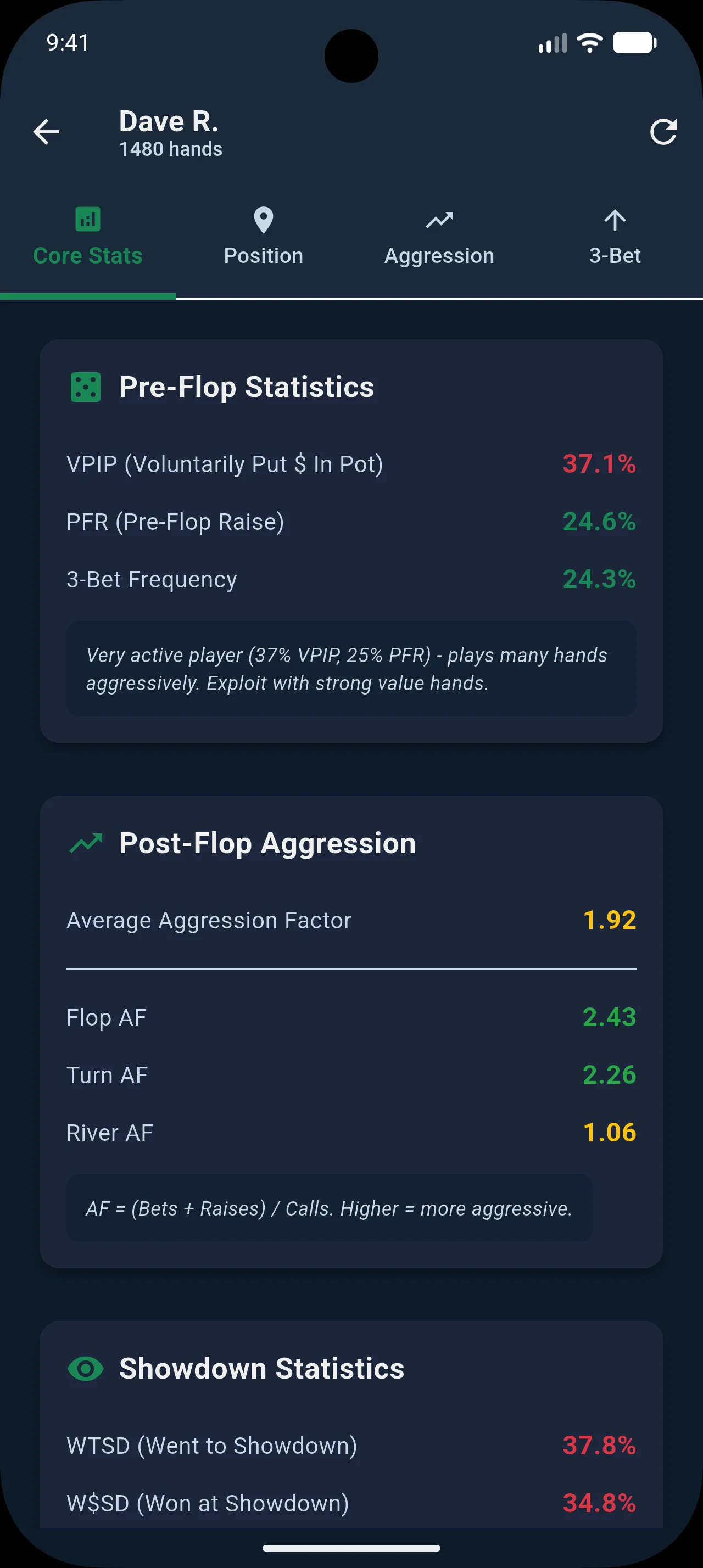
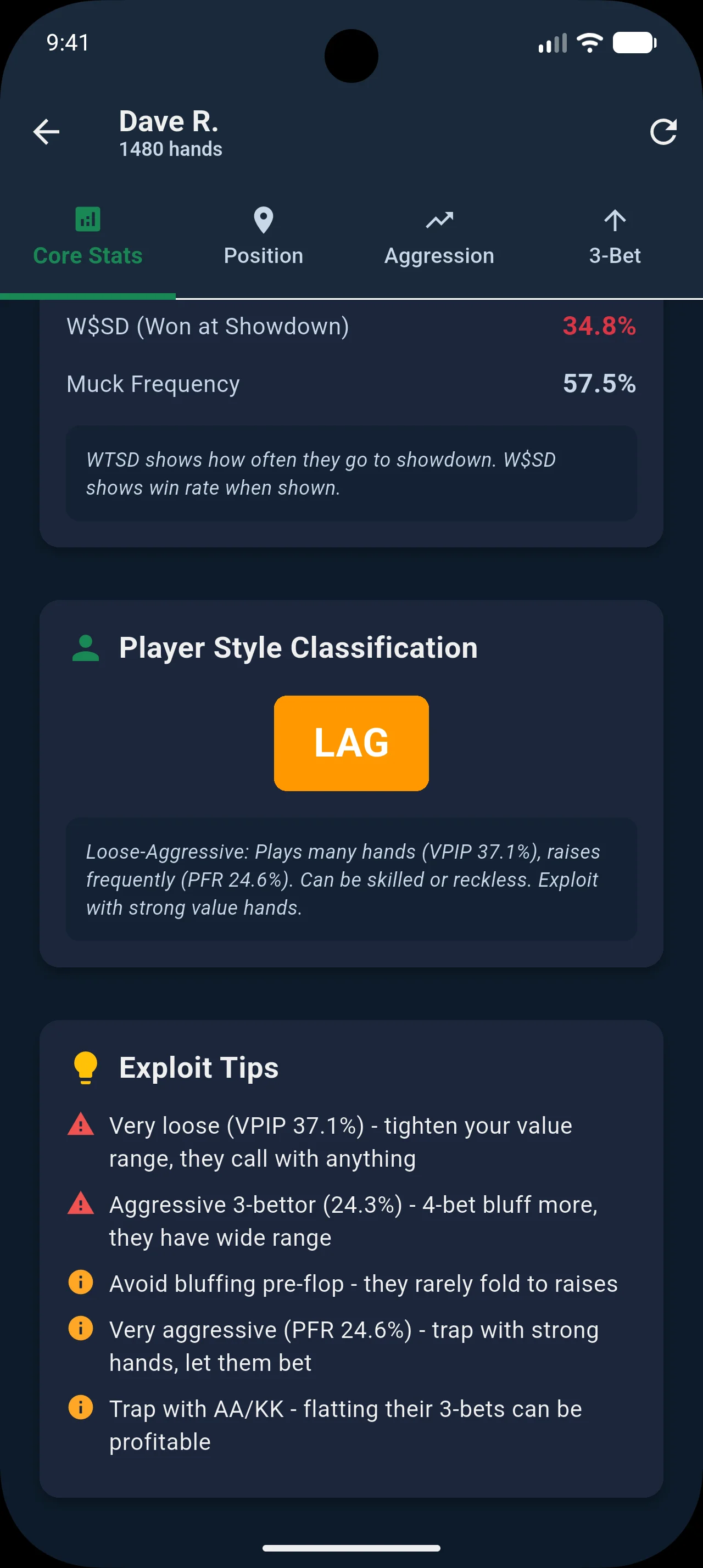
Build detailed profiles on your regular opponents — built around the reads that actually hold up for live play. Bankroll Wizard classifies their style and generates actionable exploit tips from their real tendencies.
- Bet-sizing tells — their preflop open, 3-bet size, and bet sizing by street (% of pot)
- Street-by-street aggression factor and 3-Bet frequency
- Player style classification (TAG, LAG, Calling Station, Passive, Maniac) from aggression + 3-bet
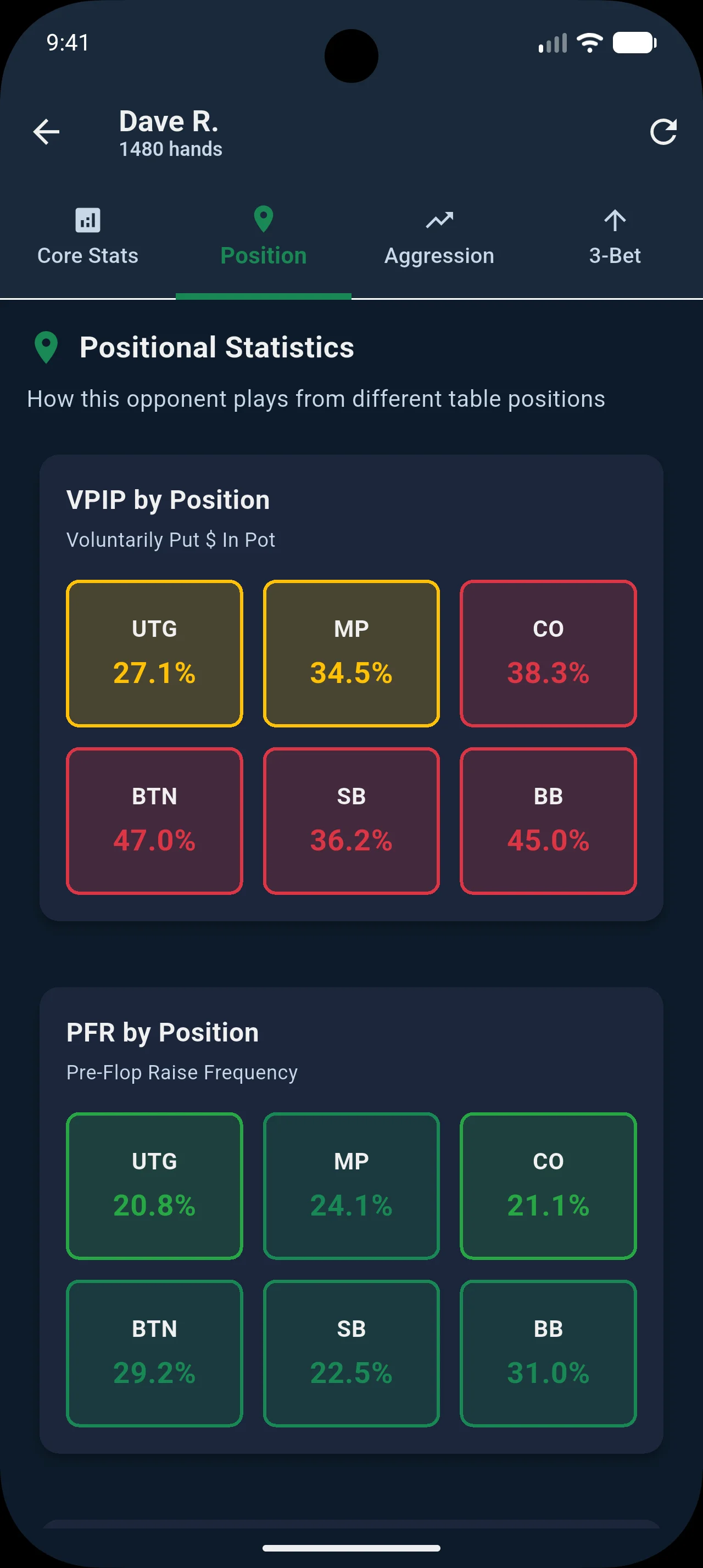
- Position-specific tendencies heatmap
- Actionable exploit tips with severity levels
- Honest, sample-gated reads — no inflated numbers from hands you didn't record
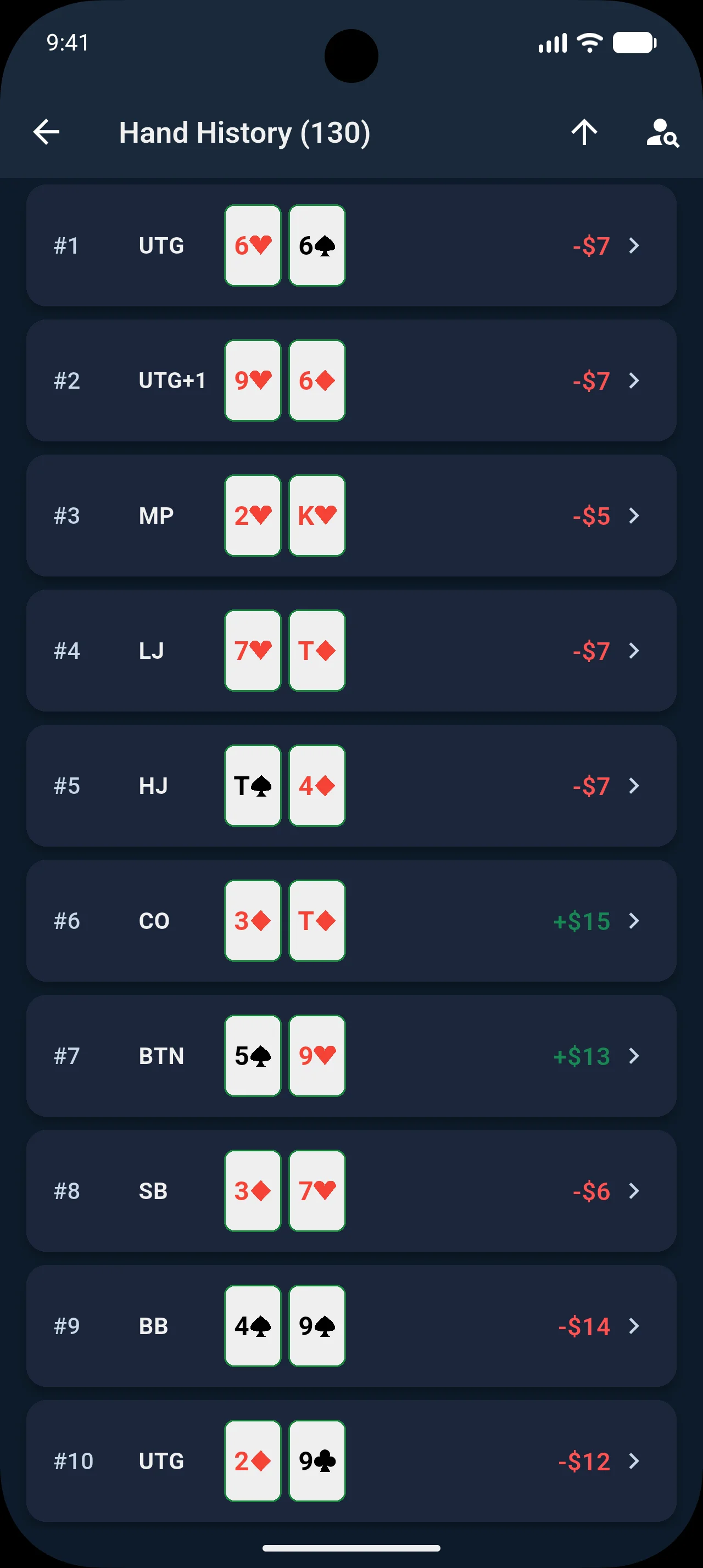
Hand History with Equity Display
Review every recorded hand with street-by-street replay. See the exact equity percentage you had at every decision point — calculated with exact enumeration, not estimates.
- Visual table replay — watch each action unfold on the felt, street by street
- Win probability (equity %) on every street
- Color-coded equity badges (green/red for ahead/behind)
- Pot size and stack tracking through the hand
- Player summary cards with position and result
- Villain card reveal toggle — hide cards for study mode, tap to reveal any time


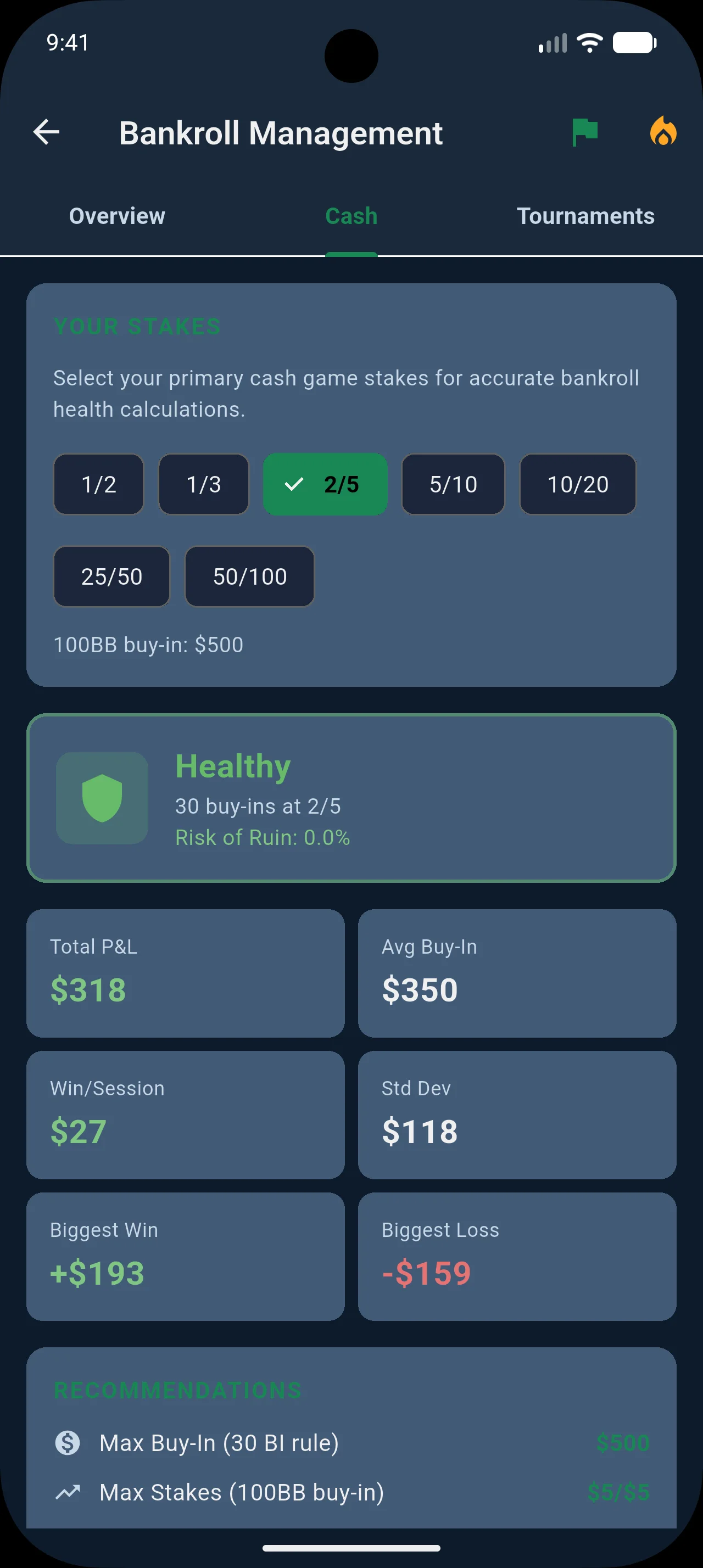
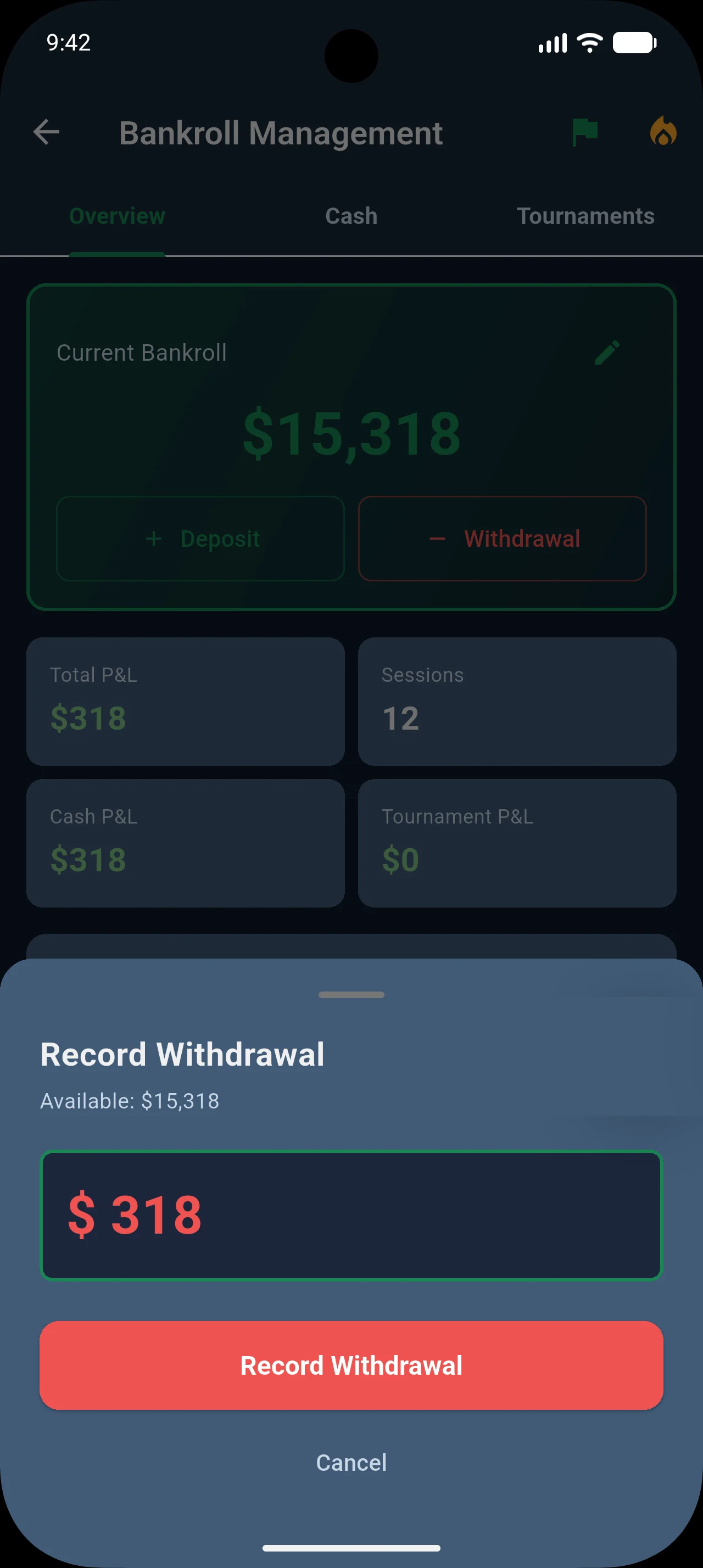
Bankroll Management & Goals
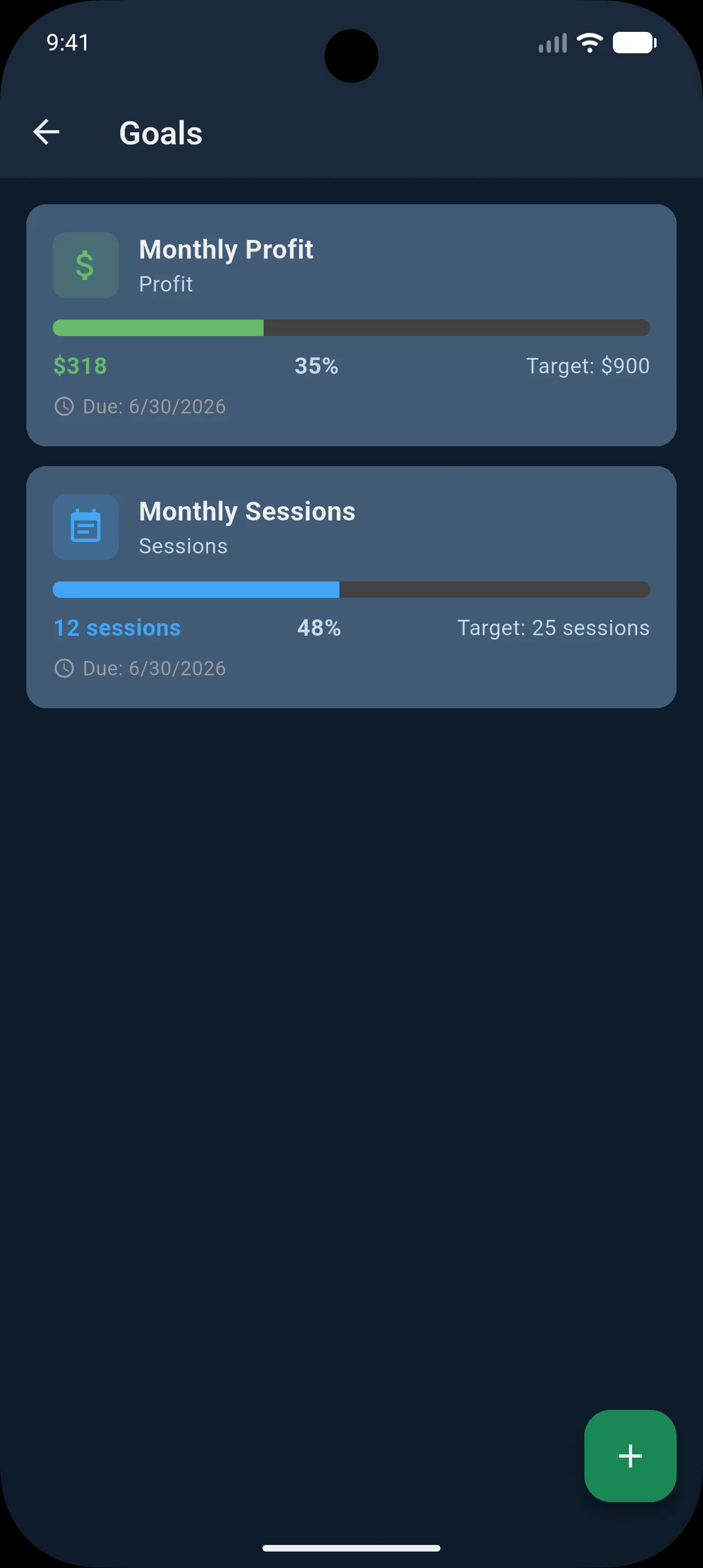
Track your poker bankroll with balance and health indicators — free for everyone. Upgrade to Pro for risk of ruin analysis, personalized recommendations, goal tracking, and streak milestones.
- Bankroll balance and health indicator Free
- Recent activity and transaction ledger Free
- Risk of ruin analysis and recommendations Pro
- Customizable profit and session goals Pro
- Win/loss streak tracking and milestones Pro
And More
Every detail is considered for the live poker experience.
🌐 Cloud Sync
Sync your data across devices and access your stats on the web dashboard.
💾 CSV Export
Export session data to Excel or Google Sheets for custom analysis.
🎭 Tournament Mode
Dedicated tournament tracking with ROI calculations and separate analytics.
♟ Table View Layout
See every seat positioned exactly as it sits at the felt. Hero at the bottom, opponents around the rail — the way you already think about the table.
🌙 Dark Theme & Dark Cards
Casino-optimized dark theme with optional dark card backgrounds — less screen glow at the table when you need to stay low-profile.
🎨 4-Color Deck
Toggle the industry-standard 4-color deck — unique colors for each suit so you can read the board faster at a glance.
🔒 Offline-First
Everything runs locally. No internet required — works perfectly in casinos.
📥 Import from Other Apps
Switching is easy. Import your existing history from Pokerbase, Bink, Poker Income, Poker Manager Pro, and more — or use any CSV export.
Card Display Options
Choose the look that works best for your game
Export Poker Session Data
Take your data anywhere. Bankroll Wizard exports cleanly to Excel, Google Sheets, or any tool that reads CSV — your numbers stay yours.
- Export sessions and hands to CSV for custom analysis
- Compatible with Excel and Google Sheets
- Your data is never locked in
Export
Import from Other Apps
Already tracking sessions somewhere else? Bring your history with you. Bankroll Wizard imports directly from the most popular poker tracking apps — no manual re-entry needed.
- Pokerbase, Poker Bankroll Tracker, Bink
- Poker Income, Poker Analytics 6
- Poker Manager Pro, Regroup Poker Tools
- Any app that exports CSV
Import Your History
Hand Sharing
Share hands for review without any friction. Copy a formatted hand history to your clipboard and paste it anywhere — Discord poker servers, email threads, or coaching forums.
- Share as formatted text via clipboard
- Paste directly into Discord or poker communities
- Email to coaches or study groups (e.g. CrushLivePoker)
- Full street-by-street action included automatically
Share Hands Instantly
Your Data, Your Control
Bankroll Wizard is built with privacy at its core. No ads, no tracking pixels, no selling your data. Your poker information stays on your device unless you choose otherwise.
- Zero ads — no banners, no interstitials, no ad tracking. Ever.
- No data selling — we never sell, rent, or share your personal information with third parties
- Offline-first — all data stored locally on your device. No internet required.
- Optional analytics — anonymous usage analytics can be disabled with one toggle in Settings
- Optional cloud sync — sync to our servers only if you choose to. Disable anytime.
- Full data export — export everything to CSV. Your data is never locked in.
- Account deletion — delete your account and all cloud data instantly from Settings
Privacy First
Bankroll Wizard is a poker tracking and analytics tool. It does not facilitate gambling, process bets, or connect to any poker site or gambling platform.
Start Tracking Your First Session
Download Bankroll Wizard free. No account required, no internet needed at the table. Upgrade to Pro when you want the full suite.